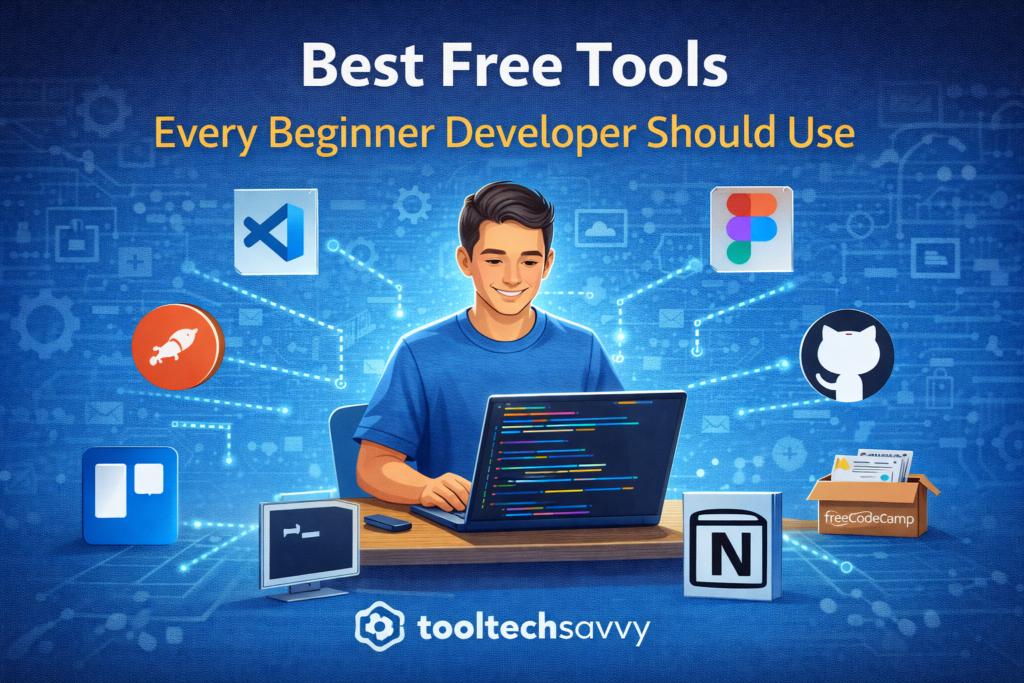
When you’re starting out as a developer, it’s easy to believe you need expensive software, paid subscriptions, or powerful hardware to succeed. The truth is much simpler.
Some of the most widely used tools in the software industry are completely free — and they’re more than enough to help beginners learn, practice, and build real projects.
This guide highlights the best free tools every beginner developer should use, along with why they matter and how they fit into your learning journey.
1. Code Editors: Where You Write Everything
A good code editor is your daily workspace.
Why it matters:
It helps you write, read, and debug code efficiently.
Beginner-friendly options:
- Lightweight and fast
- Supports multiple programming languages
- Offers extensions for productivity
A solid editor makes learning to code less frustrating and more enjoyable.
Best free tools:
- Visual Studio Code (VS Code) – Lightweight, powerful, and beginner-friendly
- Notepad++ – Simple editor for learning basics
- IntelliJ IDEA Community Edition – Excellent for Java beginners
2. Version Control Tools: Track Your Code Changes
Version control helps you save, track, and manage changes in your code.
Why it matters:
- Prevents losing work
- Helps you understand mistakes
- Prepares you for team environments
Learning version control early builds professional habits from day one.
Best free tools:
- Git – Industry-standard version control system
- GitHub Desktop – Beginner-friendly Git interface
- GitKraken (Free tier) – Visual Git management
3. Online Code Repositories: Share and Store Projects
Code repositories allow you to store your projects online and collaborate with others.
Why it matters:
- Acts as your public portfolio
- Shows progress over time
- Helps you learn from open-source projects
Many hiring managers look at repositories before resumes.
Best free tools:
- GitHub – Most popular platform for developers
- GitLab (Free tier) – Built-in CI/CD for learning
- Bitbucket (Free tier) – Good for small teams
4. Browsers and Developer Tools: Debug Like a Pro
Modern browsers come with built-in developer tools.
Why it matters:
- Inspect HTML, CSS, and JavaScript
- Debug frontend issues
- Understand how websites work behind the scenes
These tools are powerful and often underused by beginners.
Best free tools:
- Chrome DevTools – Inspect, debug, and analyze performance
- Firefox Developer Tools – Great for CSS debugging
- Edge DevTools – Built on Chromium, beginner-friendly
5. Terminal and Command-Line Tools
The terminal may look intimidating, but it’s essential.
Why it matters:
- Runs programs and scripts
- Manages files and folders
- Interacts with development tools
Learning basic commands gives you confidence and control over your environment.
Best free tools:
- Windows Terminal – Modern terminal for Windows
- iTerm2 (macOS) – Powerful terminal replacement
- Git Bash – Beginner-friendly command line for Windows
6. Documentation and Learning Platforms
Good developers know how to read documentation.
Why it matters:
- Official docs are the most accurate resources
- Helps you become self-sufficient
- Reduces dependency on tutorials
Learning to learn is one of the most valuable skills in tech.
Best free resources:
- MDN Web Docs – Gold standard for web development
- Official language docs (Python, JavaScript, Java)
- freeCodeCamp – Structured, beginner-friendly learning
7. API Testing and Debugging Tools
APIs are everywhere in modern software.
Why it matters:
- Helps you understand how systems communicate
- Lets you test requests and responses
- Builds backend and integration skills
These tools are widely used in real-world development.
Best free tools:
- Postman (Free tier) – Test APIs easily
- Hoppscotch – Lightweight, browser-based API testing
- curl – Command-line API testing tool
8. Design and UI Tools for Developers
Even developers benefit from basic design tools.
Why it matters:
- Helps visualize ideas
- Improves frontend development
- Makes projects look more polished
You don’t need to be a designer — just design-aware.
Best free tools:
- Figma (Free tier) – UI design and wireframing
- Canva – Simple visuals and mockups
- Coolors – Generate color palettes
9. Task and Note Management Tools
Learning development involves juggling many ideas.
Why it matters:
- Organizes learning goals
- Tracks bugs and features
- Improves focus and productivity
Staying organized is often overlooked but critical.
Best free tools:
- Notion (Free tier) – Notes, tasks, and learning plans
- Trello – Visual task tracking
- Google Keep – Quick notes and ideas
10. Community and Q&A Platforms
No developer learns alone.
Why it matters:
- Ask questions
- Learn from real-world problems
- See how experienced developers think
The right communities accelerate learning dramatically.
Best free platforms:
- Stack Overflow – Real-world problem solving
- Reddit (r/learnprogramming, r/devops) – Beginner discussions
- Discord developer communities – Real-time help
How Beginners Should Choose Tools
You don’t need all tools at once.
A simple rule:
- Start with one editor
- Learn version control early
- Add tools only when you need them
A simple starter stack:
- VS Code
- Git + GitHub
- Browser DevTools
- One learning platform
Add tools only when your projects demand them.
Tools should support learning, not distract from it.
Final Thoughts
Great developers are not defined by expensive software — they’re defined by how well they use the tools available to them.
With the right free tools, beginners can:
- Learn faster
- Build real projects
- Develop professional habits early
As your skills grow, your toolset will naturally evolve.
To keep learning — from beginner tools to advanced topics like AI — visit https://tooltechsavvy.com/.
Explore the blog to discover AI, software engineering, cloud, DevOps, tools, and other interesting topics designed to support your journey into tech.