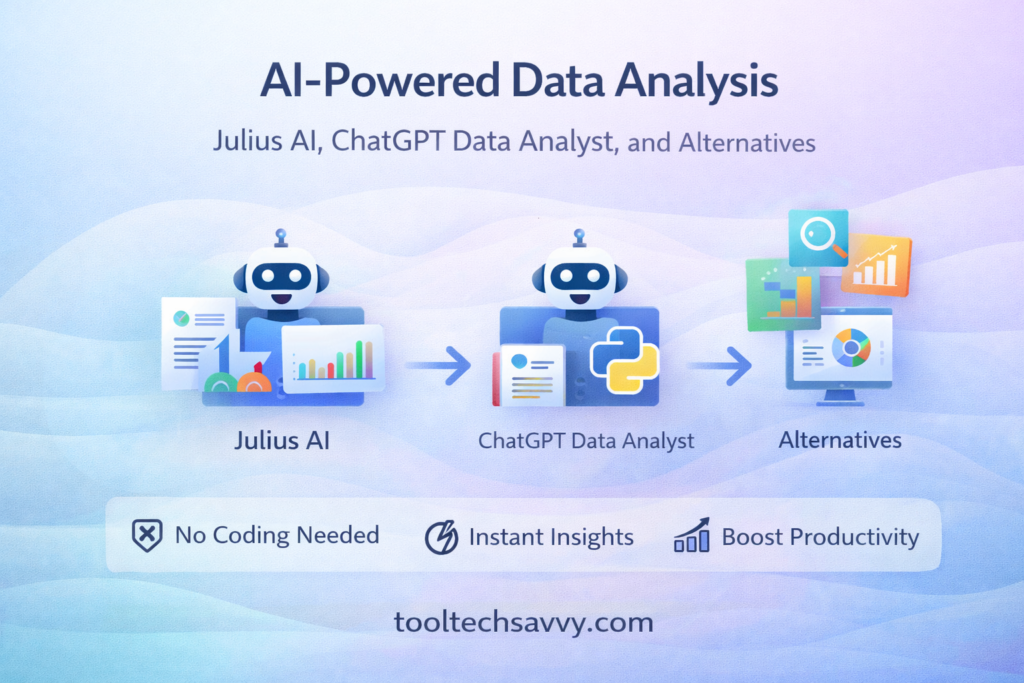
Data analysis used to mean spreadsheets, formulas, and long hours writing code. Today, AI-powered data analysis tools are changing that completely. You can upload a dataset, ask questions in plain English, and get charts, insights, and summaries in seconds.
Among the most talked-about tools are Julius AI and ChatGPT Data Analyst. But they’re not the only options.
In this guide, we’ll break down how AI-powered data analysis works, compare Julius AI and ChatGPT Data Analyst, and explore strong alternatives—so you can choose the right tool for your workflow.
What Is AI-Powered Data Analysis?
AI-powered data analysis uses large language models and automation to:
- Analyze datasets (CSV, Excel, Google Sheets)
- Generate charts and summaries
- Answer data questions in natural language
- Identify trends, anomalies, and patterns
Instead of learning SQL or Python, you ask questions, and the AI does the heavy lifting. This shift mirrors the broader trend of AI simplifying complex tasks, as discussed in Top 5 Free AI Tools You Can Start Using Today.
Julius AI: Data Analysis Without the Friction
Julius AI is built specifically for data analysis conversations. You upload a dataset and immediately start asking questions like:
- “What are the key trends?”
- “Create a revenue breakdown by region”
- “Explain anomalies in simple terms”
Why Julius AI Stands Out
- Designed purely for data analysis
- Strong at visualizations and summaries
- Beginner-friendly, no setup required
For non-technical users, Julius AI feels like talking to a data analyst on demand. This makes it ideal for founders, marketers, and analysts who want answers—not tooling complexity.
ChatGPT Data Analyst: Flexible and Powerful
ChatGPT Data Analyst (formerly known as Advanced Data Analysis) takes a broader approach. It combines conversational AI with the ability to:
- Run Python behind the scenes
- Clean and transform data
- Build custom charts and calculations
Strengths of ChatGPT Data Analyst
- More flexible than single-purpose tools
- Handles messy or complex datasets
- Great for exploratory analysis
If you’re already comfortable using ChatGPT, this mode feels like a natural extension. Beginners can ramp up quickly with help from ChatGPT for Beginners: 7 Easy Ways to Boost Productivity with AI.
Julius AI vs ChatGPT Data Analyst
While both tools analyze data, they serve slightly different audiences.
| Feature | Julius AI | ChatGPT Data Analyst |
|---|---|---|
| Ease of use | Very beginner-friendly | Beginner to advanced |
| Custom analysis | Limited | High |
| Coding needed | No | Optional |
| Best for | Fast insights | Deep exploration |
In short, Julius AI prioritizes simplicity, while ChatGPT Data Analyst prioritizes flexibility.
Popular Alternatives Worth Exploring
AI-powered data analysis is a fast-moving space. Here are a few notable alternatives to consider.
Google Gemini (Data & Reasoning Tasks)
Google’s AI ecosystem is increasingly capable of handling analytical queries, especially when paired with spreadsheets. If you’re curious how it fits into everyday workflows, Google Gemini Made Easy offers a clear overview.
AI + Automation Workflows
Some teams go beyond single tools and automate analysis entirely. For example:
- Upload new data
- Trigger analysis automatically
- Send summaries to email or dashboards
These setups align well with approaches explained in How to Build Complex Workflows with AI Copilots and Zapier.
No-Code and Low-Code Tools
For users who want dashboards and repeatable analysis without coding, combining AI with no-code platforms can be powerful. This mindset reflects the broader digital copilot trend covered in Unlock Your Potential with the Digital Copilot Mindset.
Choosing the Right AI Data Analysis Tool
Before picking a tool, ask yourself:
- Do I need quick insights or deep analysis?
- Will I analyze data occasionally or daily?
- Do I want automation or one-off answers?
If you value simplicity, Julius AI is a strong starting point. If you want maximum control and experimentation, ChatGPT Data Analyst is hard to beat. Choosing the right fit follows the same principle outlined in How to Choose the Right AI Model for Your Workflow.
Common Mistakes to Avoid
Even with AI, data analysis can go wrong.
- ❌ Blindly trusting outputs without validation
- ❌ Uploading poorly structured data
- ❌ Asking vague questions
Clear prompts and iterative questioning matter—a concept reinforced in Prompt Chaining Made Easy.
The Bigger Picture: AI as Your Data Teammate
AI-powered data analysis isn’t about replacing analysts—it’s about amplifying decision-making. By lowering the technical barrier, tools like Julius AI and ChatGPT Data Analyst let more people work directly with data.
This shift is part of a broader movement toward AI teammates, explored in AI Teammates in 2025.
Final Thoughts
AI-powered data analysis is no longer experimental—it’s practical, accessible, and fast. Whether you choose Julius AI, ChatGPT Data Analyst, or a combination of tools, the real advantage comes from asking better questions, not writing more code.
If you want to keep learning how AI tools can simplify work, boost productivity, and unlock insights, explore more guides at https://tooltechsavvy.com/