Must Read

Cursor AI for Non-Developers: A Practical Guide for PMs and Designers

Cursor for Non-Developers: Can It Help PMs and Designers? Cursor took the developer world by storm as an AI-powered code editor. But here’s a question no one’s asking loudly enough: what if you’re not a developer? Can a product manager or designer actually get meaningful value out of Cursor — or is it just another […]

Cursor AI for Non-Developers: A Practical Guide for PMs and Designers Read More »

Claude Code for Non-Programmers: Surprisingly Powerful or Overhyped?

Let’s be honest — the name “Claude Code” doesn’t exactly scream “for everyone.” It sounds like something you’d need a computer science degree to touch. A terminal. Black screen. Cryptic commands. The whole intimidating package. But here’s the thing: that assumption is increasingly wrong — and missing it could mean leaving one of the most

Claude Code for Non-Programmers: Surprisingly Powerful or Overhyped? Read More »

The CLAUDE.md File: The Secret to Getting Consistent Results

If you’ve been using Claude Code for a while and wondering why your results feel inconsistent — sometimes brilliant, sometimes off the mark — there’s a good chance you’re missing one thing: the CLAUDE.md file. It’s one of the least talked-about features in Claude Code, yet experienced developers swear by it. Once you understand what

The CLAUDE.md File: The Secret to Getting Consistent Results Read More »

Claude Code Tips: 10 Powerful Tricks Every Beginner Should Know

If you’ve recently started using Claude Code, welcome to the future of software development. It’s powerful, fast, and surprisingly intuitive — but like any tool, there’s a learning curve. After spending serious time with Claude Code, I’ve put together the 10 tips I really wish someone had told me on day one. Let’s dive in.

Claude Code Tips: 10 Powerful Tricks Every Beginner Should Know Read More »

How to Use Claude Cowork Safely: Complete Beginner’s Guide

Claude Cowork is genuinely impressive. It organizes hundreds of files in minutes, synthesizes research documents, builds expense reports from receipt photos, and runs complex multi-step tasks while you do other things. The productivity gains are real, well-documented, and increasingly hard to ignore. But Cowork is also meaningfully different from every AI tool most people have

How to Use Claude Cowork Safely: Complete Beginner’s Guide Read More »

Claude Cowork Plugins: Your Complete Guide to All 11 Built-In Tools and Building Your Own

When Anthropic launched Claude Cowork in January 2026, it already felt like a significant leap forward for AI-assisted work. Then, on January 30, 2026, they added something that changed the conversation entirely: plugins. The reaction was immediate. Industry analysts dubbed it the “SaaSpocalypse” — a signal that AI was no longer just assisting with business

Claude Cowork Plugins: Your Complete Guide to All 11 Built-In Tools and Building Your Own Read More »

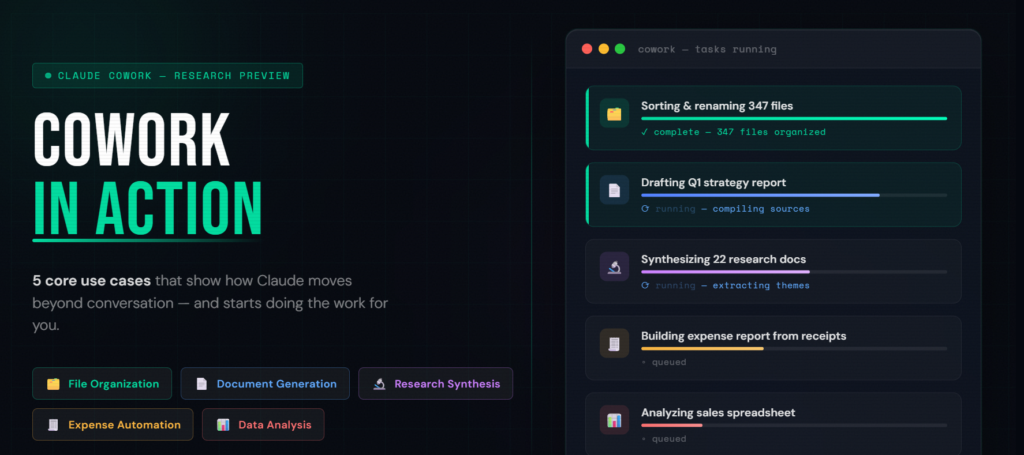
Claude Cowork in Action: 5 Core Use Cases That Will Transform How You Work

Most AI tools are great at telling you what to do. Claude Cowork is different — it actually does it for you. Since Anthropic launched Cowork in January 2026 as a research preview, the response from knowledge workers, researchers, and business professionals has been striking. People aren’t just impressed by the technology; they’re reporting real,

Claude Cowork in Action: 5 Core Use Cases That Will Transform How You Work Read More »

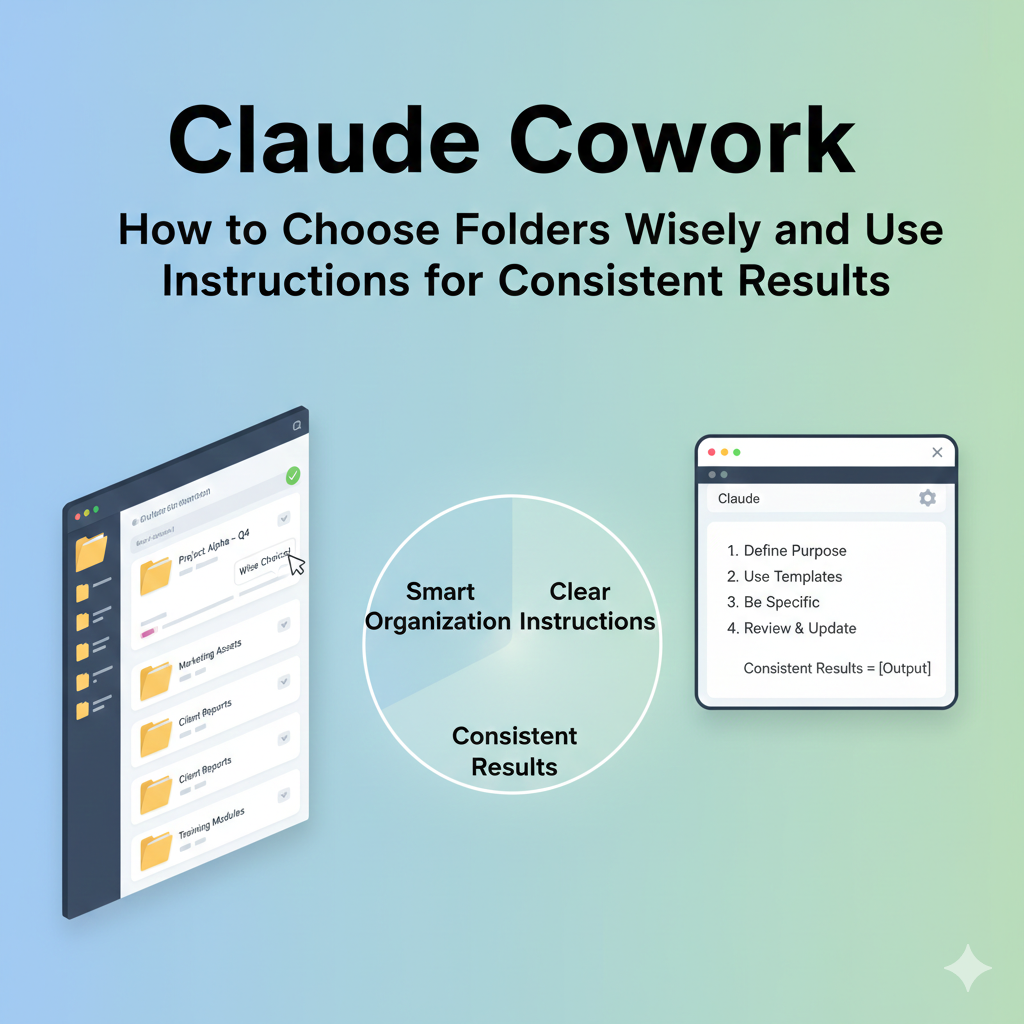
Claude Cowork: How to Choose Folders Wisely and Use Instructions for Consistent Results

If you’ve recently set up Claude Cowork — Anthropic’s powerful AI desktop agent — you’ve probably had one of those moments where the app asks you to select a folder and you think: Wait… which folder should I actually give it? And if you’ve used Cowork more than a few times, you may have noticed

Claude Cowork: How to Choose Folders Wisely and Use Instructions for Consistent Results Read More »