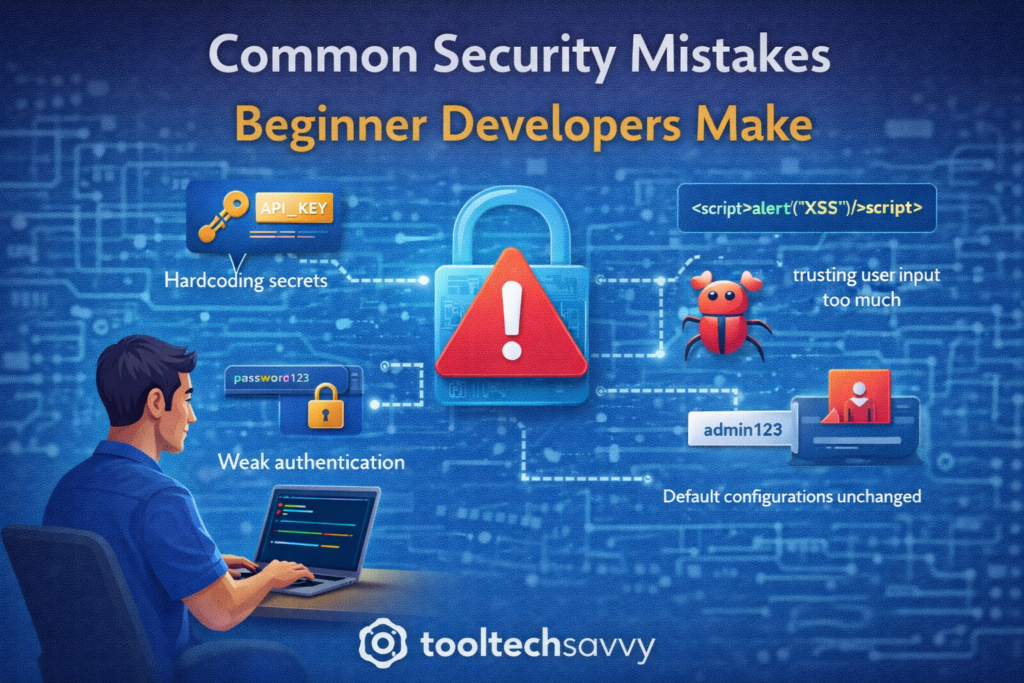
Security breaches don’t always happen because of advanced hacking techniques. In many cases, they happen because of simple mistakes made early in development.
For beginner developers, security can feel like something to worry about later. But small oversights in code, configuration, or habits can turn into serious vulnerabilities as applications grow.
This article highlights the most common security mistakes beginner developers make—and how to avoid them.
1. Hardcoding Secrets in Code
One of the most common and dangerous mistakes is storing sensitive information directly in code.
This includes:
- API keys
- Database credentials
- Access tokens
- Passwords
When secrets are hardcoded, they often end up in version control repositories—sometimes publicly.
Better approach:
Use environment variables or secure configuration systems to store sensitive data.
2. Trusting User Input Too Much
Beginners often assume users will behave as expected. Unfortunately, attackers do not.
Common risks include:
- SQL injection
- Cross-site scripting (XSS)
- Command injection
Better approach:
Always validate, sanitize, and escape user input before processing or storing it.
3. Weak Authentication Practices
Authentication mistakes are a major source of security issues.
Examples include:
- Plain-text password storage
- Weak password requirements
- Missing account lockouts
- Reusing authentication logic incorrectly
Better approach:
Use proven authentication libraries and follow established security standards.
4. Ignoring Authorization Checks
Authentication answers who you are. Authorization answers what you’re allowed to do.
Beginners often:
- Check login but forget permission checks
- Allow users to access resources they shouldn’t
Better approach:
Implement role-based or permission-based access controls and test them thoroughly.
5. Not Using Secure Communication
Sending data without proper protection exposes it to interception.
Common issues include:
- Missing secure protocols
- Exposing sensitive data in requests
- Insecure API endpoints
Better approach:
Ensure data is protected during transmission and avoid exposing sensitive information unnecessarily.
6. Leaving Default Configurations Unchanged
Many tools and frameworks ship with default settings designed for convenience, not security.
Examples include:
- Default admin credentials
- Open access ports
- Debug modes enabled in production
Better approach:
Review and harden configurations before deploying applications.
7. Not Updating Dependencies
Beginner projects often rely on third-party libraries.
Security risks arise when:
- Dependencies are outdated
- Known vulnerabilities are ignored
- Libraries are added without review
Better approach:
Keep dependencies updated and be mindful of what you include in your project.
8. Logging Sensitive Information
Logs are meant for debugging—but they can become a liability.
Common mistakes:
- Logging passwords or tokens
- Storing personal user data in logs
Better approach:
Log only what’s necessary and treat logs as sensitive data.
9. Assuming Security Is Someone Else’s Job
A major mindset issue is believing security belongs only to security teams.
In reality:
- Developers shape application security
- Many vulnerabilities start at the code level
Better approach:
Adopt a security-aware mindset early and treat security as part of development.
How Beginners Can Build Better Security Habits
You don’t need to be a security expert to write safer code.
Focus on:
- Following secure coding practices
- Using trusted tools and libraries
- Learning from real-world vulnerabilities
- Reviewing code with security in mind
Small habits make a big difference over time.
Final Thoughts
Security mistakes are common—especially among beginners—but they are also preventable. Learning to recognize these issues early helps developers write safer, more reliable software and builds trust with users.
Security is not about fear; it’s about responsibility and awareness.
To continue learning—from secure coding basics to advanced topics like AI—visit https://tooltechsavvy.com/.
Explore the blog to discover AI, software engineering, cloud, DevOps, tools, and other interesting topics designed to help you grow confidently in tech