
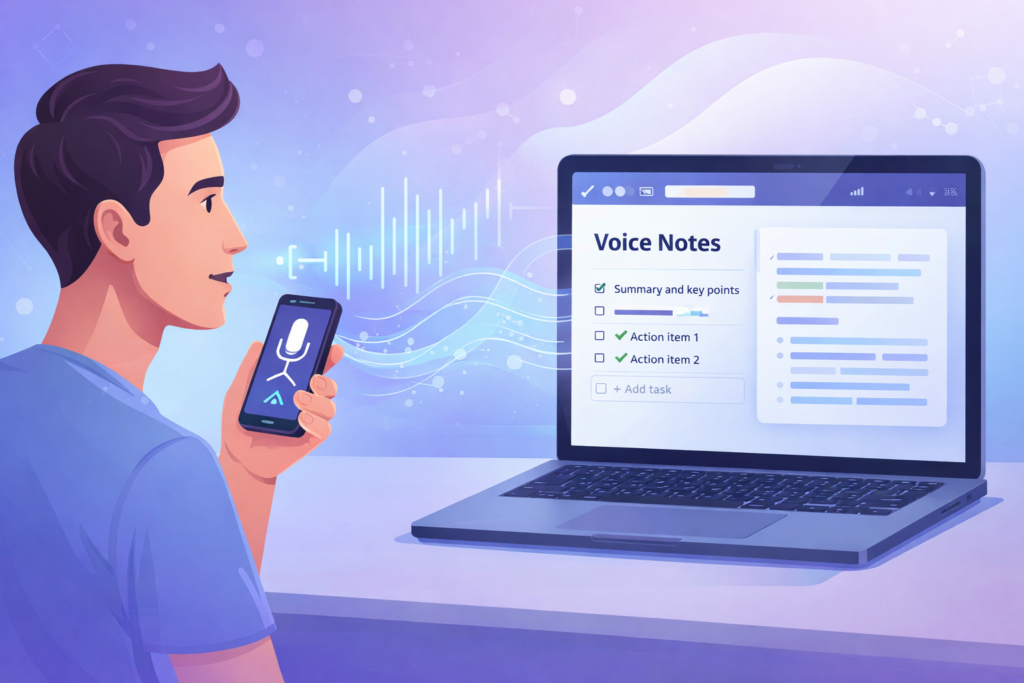
Ideas don’t wait for keyboards. They arrive while you’re walking, driving, or switching between tasks. Unfortunately, most note-taking tools still expect you to type.
The good news? You can create your own voice-to-text note-taking tool without writing a single line of code. Using modern AI tools and simple automation, you can speak your ideas and instantly turn them into clean, searchable notes.
This guide walks you through the exact steps to build a practical, no-code voice-to-text system that actually sticks.
Step 1: Decide Where Your Notes Will Live
Before touching any AI tools, decide one destination for your voice notes. This keeps the system simple and sustainable.
Common choices:
- Notion (structured notes, databases)
- Google Docs (long-form thinking)
- Email (quick capture)
- Task manager inbox
If you’re unsure which productivity tool fits your workflow, this comparison breaks it down clearly:
👉 https://tooltechsavvy.com/the-ultimate-guide-to-choosing-between-notion-trello-and-clickup/
Rule of thumb: pick one place. You can always expand later.
Step 2: Choose a Simple Voice Capture Method
Next, you need the fastest possible way to record your voice. Speed matters more than features.
Reliable options include:
- Your phone’s built-in voice recorder
- Chrome’s built-in voice typing
- Any free dictation app that outputs text
You don’t need a dedicated “AI voice app” yet. Many everyday tools already support voice input, as highlighted in
👉 https://tooltechsavvy.com/top-5-free-ai-tools-you-can-start-using-today-no-tech-skills-needed/
At this stage, your goal is simple: capture thoughts instantly.
Step 3: Convert Voice to Text Automatically
Most voice capture tools already convert speech into text. However, the output is usually:
- Unstructured
- Full of filler words
- Hard to scan later
That’s expected.
This is where AI becomes useful—not as a replacement for thinking, but as a cleanup layer. If you’re new to AI workflows, start here:
👉 https://tooltechsavvy.com/chatgpt-for-beginners-7-easy-ways-to-boost-productivity-with-ai/
Step 4: Clean and Improve the Transcript Using AI
Once your voice is converted to text, send it through an AI tool for cleanup.
A simple reusable prompt looks like this:
“Clean this transcript. Remove filler words, fix grammar, add bullet points, and include a short summary and action items.”
This step transforms messy dictation into usable notes.
If you want consistent, high-quality results, learn how role-based prompting improves outputs:
👉 https://tooltechsavvy.com/how-to-use-gpts-like-a-pro-5-role-based-prompts-that-work/
You can also chain prompts for better structure, explained here:
👉 https://tooltechsavvy.com/prompt-chaining-made-easy-learn-with-real-world-examples/
Step 5: Automatically Save Notes Using Automation
Manually copying notes defeats the purpose. Instead, automate the handoff.
Use automation tools to:
- Take cleaned text from AI
- Save it directly to Notion, Docs, or email
- Add tags, titles, or dates automatically
A beginner-friendly walkthrough is available here:
👉 https://tooltechsavvy.com/notion-zapier-chatgpt-how-to-create-a-free-ai-workflow/
If you want smarter logic—like routing different notes to different folders—this guide helps:
👉 https://tooltechsavvy.com/how-to-use-zapier-filters-and-paths-for-complex-automations/
At this point, you’ve built a real voice-to-text tool—no code required.
Step 6: Structure Notes With Templates
Voice notes pile up quickly. Without structure, they turn into noise.
That’s why templates matter. Create a simple format:
- Title
- Summary
- Key points
- Action items
You can start with ready-made layouts from:
👉 https://tooltechsavvy.com/the-best-free-notion-templates-for-productivity-in-2025/
Templates ensure every voice note becomes searchable and useful.
Step 7: Build a Simple Review Habit
Tools don’t fail—habits do.
To keep your voice-to-text system effective:
- Review notes daily or weekly
- Convert ideas into tasks
- Archive aggressively
This mindset shift is explained well here:
👉 https://tooltechsavvy.com/consistency-vs-motivation-the-truth-every-creator-needs-to-know/
If you’re turning ideas into projects or content, pair this system with better digital habits:
👉 https://tooltechsavvy.com/practical-digital-habits-for-turning-side-projects-into-businesses/
Common Mistakes to Avoid
Before wrapping up, avoid these traps:
- Over-engineering automation too early
- Switching tools every week
- Capturing notes without reviewing them
If tool overload feels familiar, this minimalist approach helps:
👉 https://tooltechsavvy.com/how-to-select-ai-tools-without-getting-overwhelmed-the-minimalist-approach/
Final Thoughts
Creating a voice-to-text note-taking tool doesn’t require complex software or coding skills. It requires clear intent, simple tools, and consistent use.
Once set up, this system becomes your external brain—always listening, always capturing, and always ready when ideas strike.
For more practical, beginner-friendly AI workflows and automation guides, explore https://tooltechsavvy.com/ and start building tools that work the way you think.

