AI is no longer just a chatbot for answering questions — in 2025, AI agents can plan, act, and execute tasks independently. Even better, you don’t need expensive software to try them out. With the right free tools, you can deploy AI agents for everyday workflows like research, email management, and task planning.
In this guide, I’ll show you how to get started with free tools, step by step, and why agentic AI is becoming the new standard for productivity.
👉 New to AI? Start with ChatGPT for Beginners: 7 Easy Ways to Boost Productivity with AI.
👉 Curious about advanced strategies? Read 7 Proven ChatGPT Techniques Every Advanced User Should Know.
What Does Deploying an AI Agent Mean?
Deploying an AI agent means setting up a system where AI doesn’t just reply — it takes action on your behalf.
- It can monitor tasks.
- Trigger workflows automatically.
- Interact with apps like Notion, Trello, or Gmail.
Think of it as having a digital teammate that runs in the background.
⚡ Free AI Tools to Deploy Agents in 2025
1. Flowise AI (Open-Source Agent Builder)
Flowise lets you build AI agents visually with a drag-and-drop interface. It’s open-source, free, and powered by LangChain.
- Use Case: Create a personal research bot that summarizes news daily.
- Pro Tip: Pair Flowise with Prompt Chaining to design multi-step reasoning.
2. Perplexity AI (Research Agent)
Perplexity goes beyond search. Its live information + memory features make it act like a research assistant.
- Use Case: Deploy it to fetch citations and summarize complex topics.
- Guide: Smarter Search Made Easy: Perplexity AI Beginner’s Guide.
3. Replit AI Agents (Ghostwriter + Workflows)
Replit now offers AI modules that help automate coding and workflows — no full coding knowledge required.
- Use Case: Build a small app that checks weather APIs and emails you results daily.
- Related: Vibe Coding Explained: How GPTs Make Coding Fun and Simple.
4. Claude (Free Tier Access)
Claude’s long context window and reasoning make it ideal for deploying as an email responder or writing assistant.
- Use Case: Set Claude to draft replies, summarize threads, and forward only high-priority emails.
- Pair With: How to Automate Email Responses with AI.
5. Microsoft Copilot Free in Edge
Even without a 365 subscription, Copilot in Edge works as a lightweight agent. It can summarize web pages, draft emails, and manage your browsing session.
- Use Case: Deploy it to organize your research tabs or pull structured insights from articles.
- Further Reading: 10 Expert-Recommended Chrome Extensions to Maximize Productivity.
🛠 How to Deploy an Agent Step by Step
- Pick a Task → Email, research, or task management.
- Choose a Free Tool → Flowise for building, Perplexity for research, or Claude for writing.
- Define the Role Prompt → Give your agent a clear job (e.g., “You are my research analyst. Summarize today’s top 3 AI news stories with links.”).
- Integrate with Apps → Connect to Notion or Trello (guide here).
- Test and Adjust → Agents improve with feedback and refined prompts.
Real-World Examples
- Daily Research Bot → Perplexity + Notion = automatic knowledge base.
- Inbox Assistant → Claude + email filters = smarter triage.
- Project Manager → Flowise agent + Trello boards = automated updates.
For deeper workflow integration, see How to Build Complex Workflows with AI Copilots and Zapier.
Final Thoughts
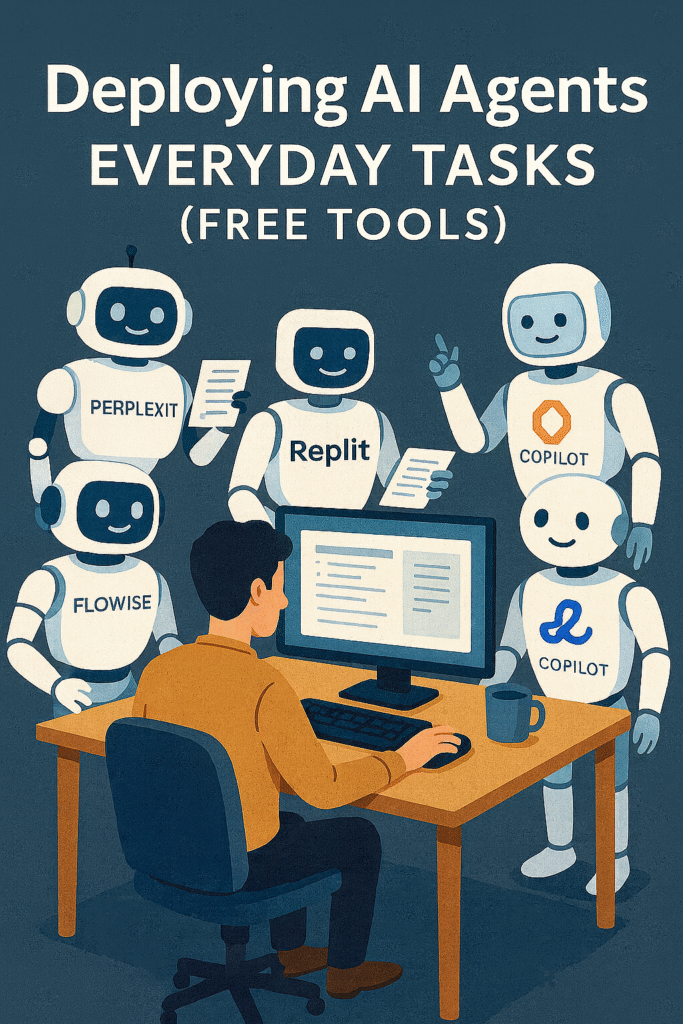
Deploying AI agents doesn’t require coding or enterprise budgets anymore. With free tools like Flowise, Perplexity, Replit, Claude, and Microsoft Copilot, you can set up practical AI teammates today.
Start with a single workflow — like email triage or research summaries — and gradually expand. The more you experiment, the more you’ll realize: AI agents aren’t the future, they’re already here.