
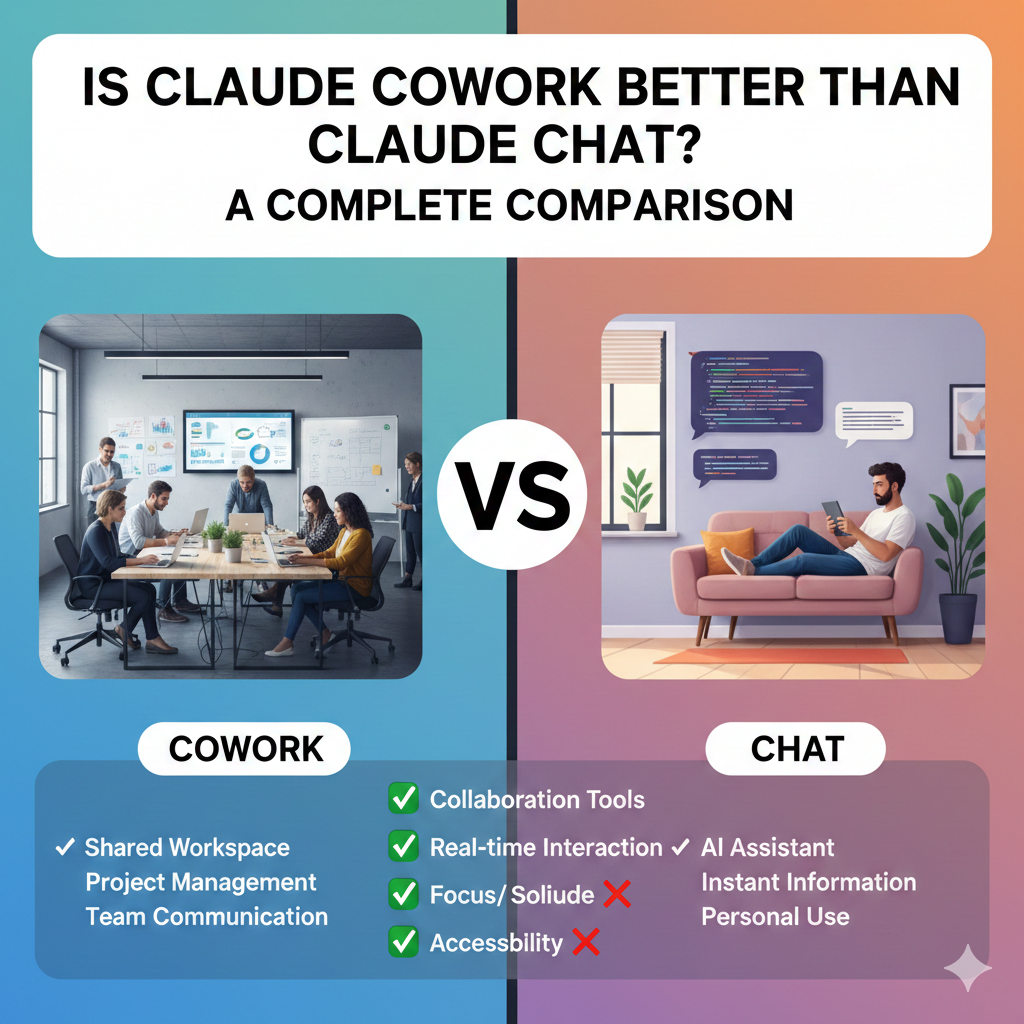
If you’ve been following the AI space lately, you’ve probably heard Anthropic’s name come up more and more. Known for creating Claude — one of the most capable AI assistants available today — Anthropic has been steadily pushing boundaries. Their latest move? A powerful new tool called Claude Cowork, and it’s changing how people think about working with AI.
Let’s break down what Cowork actually is, how it works, and why it’s genuinely different from the Claude chat experience you might already be used to.
What Is Claude Cowork?
Claude Cowork is Anthropic’s AI agent built directly into the Claude desktop app. Launched in January 2026 as a research preview, it’s designed to help everyday users — not just developers — get real, multi-step work done on their computers with minimal hand-holding.
The simplest way to put it: regular Claude chat tells you how to do things; Cowork actually does them for you.
Anthropic describes Cowork as the evolution of Claude Code, their popular AI coding agent, adapted for non-technical tasks. When developers started using Claude Code for everything from sorting files to drafting documents (not just writing code), Anthropic saw an opportunity to bring that same power to a broader audience — without requiring anyone to open a terminal or know what a “filesystem sandbox” is.
Interestingly, the Cowork team built the entire product in roughly a week and a half, using Claude Code itself to do much of the heavy lifting. It’s one of the more striking examples of AI being used to accelerate its own development.
How Does Cowork Actually Work?
When you open Cowork in the Claude desktop app, you give it access to a specific folder on your computer. From there, Claude can read, edit, and create files inside that folder — operating inside an isolated virtual machine (VM) for safety. You don’t manually upload documents back and forth; Claude works directly with your files.
Here’s what a typical Cowork session might look like:
- You point Claude at your chaotic “Downloads” folder and say: “Sort and rename these files by category.”
- Claude analyzes the contents, makes a plan, and starts working — updating you along the way.
- When it’s done, your files are organized, right where you left them.
Behind the scenes, Claude breaks complex tasks into sub-tasks, can run multiple workstreams in parallel, and even uses a built-in VM to execute code safely. If you pair Cowork with the Claude in Chrome browser extension, it can also navigate websites, fill forms, click buttons, and pull information from the web — all as part of a single task.
Claude Cowork vs. Regular Claude Chat: The Key Differences
This is where things get really interesting. Here’s a clear breakdown of how the two experiences differ:
Agency and Autonomy In regular Claude chat, you’re driving. You ask a question, Claude responds, and you decide what to do next. It’s a back-and-forth conversation. In Cowork, Claude takes the wheel on execution. You set a goal, and Claude plans and carries out the steps needed to reach it — often without needing you to intervene at every stage.
File Access Regular chat requires you to manually upload files, copy-paste content, and then take Claude’s output and do something with it yourself. Cowork has direct access to your local files. It can open a folder of scattered notes and produce a polished report, or pull data from a pile of receipt screenshots and build you a spreadsheet — all without you lifting a finger after the initial prompt.
Output Format In a regular chat session, Claude gives you text. You then copy that text and put it somewhere useful. Cowork delivers finished files — formatted Word documents, PowerPoint presentations, Excel spreadsheets with working formulas — saved directly to your file system.
Task Complexity Regular chat is excellent for answering questions, brainstorming, and handling well-defined single requests. Cowork is built for multi-step tasks that would normally require you to manage several tools or steps yourself. Think of research synthesis, document creation from multiple sources, data extraction, or batch file operations.
Interface Cowork lives in the Claude desktop app (available on both macOS and Windows as of February 2026) and appears as its own dedicated tab alongside the existing Chat and Code tabs. It’s not available on web or mobile — the desktop app is required.
The Feel Anthropic put it well in their announcement: regular chat feels like a back-and-forth conversation; Cowork feels like leaving tasks for a capable coworker and coming back to find them done.
What Can You Use Cowork For?
Cowork shines for knowledge work tasks that involve files, research, and document creation. Some practical examples include:
- Organizing a messy downloads or project folder automatically
- Generating a formatted expense report from a stack of receipt images
- Turning scattered meeting notes into a polished draft document
- Researching topics and compiling findings into a structured report
- Creating PowerPoint presentations or Excel models based on your data
With Plugins — ready-made bundles of skills and connectors — you can also customize Cowork for specific roles. Anthropic has released 11 open-source plugins at launch, covering areas like productivity, enterprise search, sales, finance, and marketing.
Who Can Access Cowork and What Does It Cost?
Cowork is currently in research preview and is available on all paid Claude plans:
- Pro ($20/month) — available, though usage limits apply
- Max ($100–$200/month) — full access with higher usage
- Team and Enterprise — available in research preview
Free-tier users cannot access Cowork. It requires the Claude desktop app on macOS or Windows and an active internet connection.
A Few Things to Keep in Mind
Because Cowork has real access to your files and can take actions on your computer, it’s worth being thoughtful about how you use it. Claude will always ask for confirmation before taking significant or potentially irreversible actions (like deleting files), and it only accesses the specific folder you grant it permission to use. That said, Anthropic recommends keeping backups of any files Cowork is working with, just to be safe.
Cowork is still a research preview, which means it has rough edges. Complex spreadsheet operations, slow browser automation, and the lack of cross-session memory are current limitations Anthropic is actively working to improve.
The Bottom Line
Claude Cowork represents a meaningful shift in how AI fits into everyday work. Rather than being a smart assistant you consult, it becomes something closer to a digital colleague that actually handles tasks from start to finish. Whether that’s a killer feature or an intimidating responsibility likely depends on how comfortable you are giving an AI agent room to work — but for the right tasks, it’s genuinely impressive.
If you’re a paid Claude subscriber, it’s well worth exploring. Just start small, supervise its first few runs, and see how it handles the work you hate doing most.

