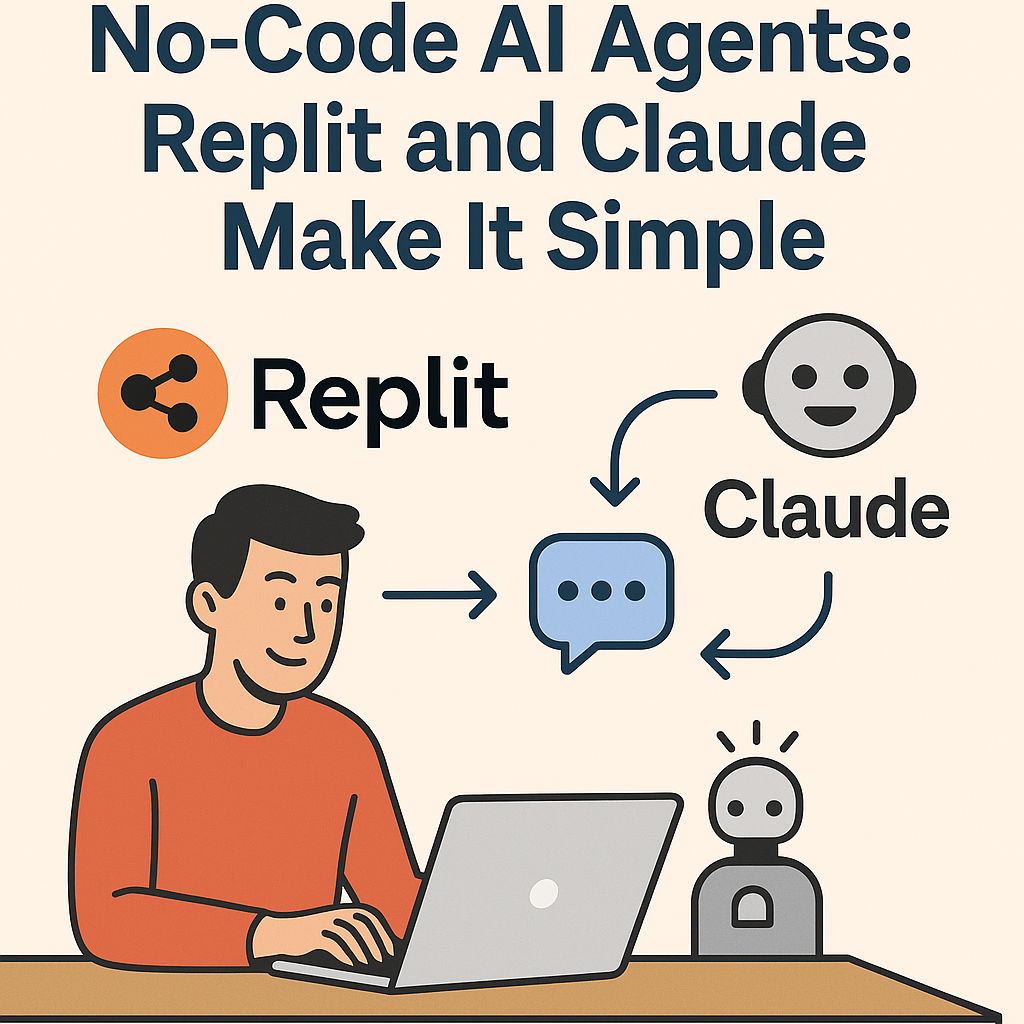
Building an AI agent might sound like something only developers can do, but thanks to today’s no-code tools, it’s easier than ever. With Replit’s accessible workspace and Claude’s powerful reasoning abilities, you can design a custom AI agent in just a few steps — no programming required. This guide will walk you through how to set up your own agent, explain why this combo works so well, and show you how it can automate real-world tasks.
👉 If you’re just starting with AI, check out ChatGPT for Beginners: 7 Easy Ways to Boost Productivity with AI before diving in.
Step 1: Set Up Replit
- Sign up for a free account at Replit.
- Start a new “AI Agent” project (templates available).
- Use the visual workspace to add an HTTP request block.
Step 2: Connect Claude
- Get an API key from Anthropic (Claude).
- In Replit, add the Claude API block.
- Link the input/output loop so your Replit project sends prompts → gets Claude’s reasoning → returns results.
Step 3: Define Your Agent Role
Claude works best when you set clear instructions. For example:
You are my AI research agent.
Your goal: Summarize 3 news articles on AI tools, compare them, and suggest how I can use them in my business.
👉 Related: How to Use GPTs Like a Pro: 5 Role-Based Prompts That Work.
Step 4: Add Automation in Replit
- Use Replit’s workflow editor to add tasks like:
- Save results to a Notion database.
- Email outputs to yourself.
- Run the agent daily at a set time.
👉 For inspiration on automation, read Notion, Zapier & ChatGPT: How to Create a Free AI Workflow.
Example Use Cases
- Research Agent → pulls articles, summarizes, and delivers insights.
- Content Assistant → drafts blog outlines and posts directly into Replit.
- Task Manager → organizes and prioritizes your to-do list with Claude’s reasoning.
Pro Tips
- Use prompt chaining for multi-step tasks (Prompt Chaining Made Easy).
- Keep Claude focused with role-based prompts.
- Start small, then layer more tasks once your agent runs smoothly.
Final Thoughts
Replit and Claude together are a powerful entry point for building custom AI agents without coding. Instead of relying on prebuilt tools, you can design workflows that match your exact needs — from research to automation.
If you’ve been curious about agentic AI but felt blocked by complexity, this is your chance to start small and work with AI as a true teammate.