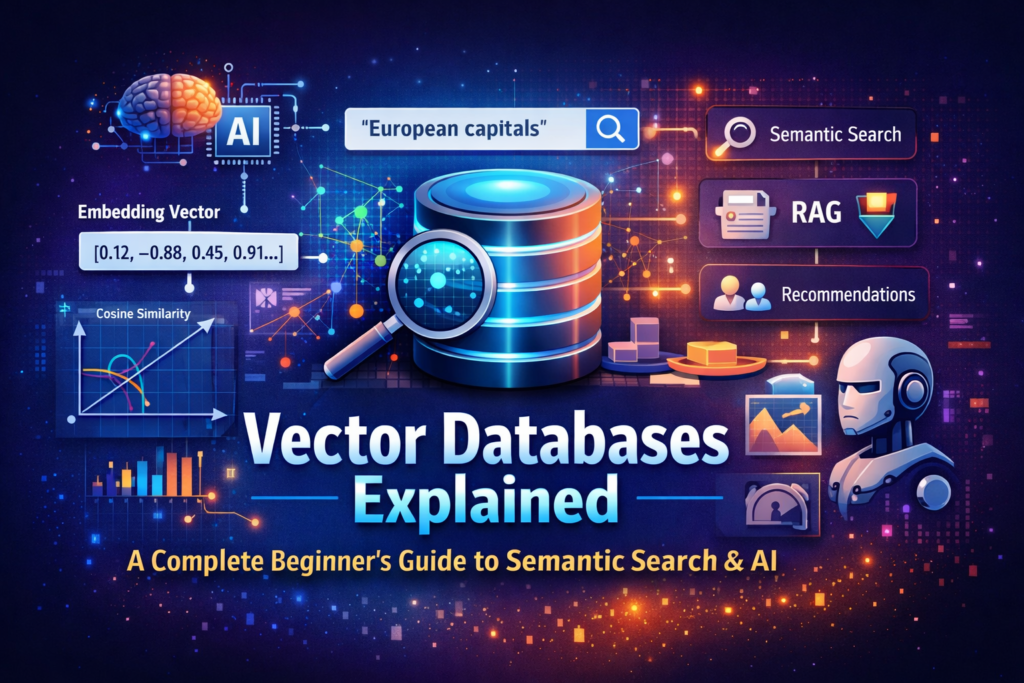
Vector databases are designed to store, index, and search data based on meaning rather than exact matches. They’re a key building block for modern AI systems like semantic search, recommendation engines, and Retrieval-Augmented Generation (RAG).
Below is a clear, practical explanation from the ground up.
1. What is a vector?
A vector is a list of numbers that represents data (text, images, audio, etc.) in a mathematical space.
Example (simplified):
"Paris is the capital of France"
→ [0.12, -0.88, 0.45, 0.91, ...]
These numbers come from an embedding model (e.g., OpenAI, Sentence Transformers).
Key idea:
- Similar meanings → vectors close together
- Different meanings → vectors far apart
2. What is a vector database?
A vector database stores:
- Vectors (embeddings)
- Metadata (text, IDs, timestamps, tags)
- Indexes optimized for similarity search
It allows you to ask:
“Find the data that is most semantically similar to this query.”
Instead of SQL-style:
WHERE text LIKE '%capital of France%'
You do:
"European capitals"
→ embedding
→ nearest vectors
3. How vector search works
Step-by-step flow
- Data ingestion
- Convert documents, sentences, images into vectors
- Indexing
- Organize vectors using special algorithms
- Querying
- Convert user query into a vector
- Similarity comparison
- Find nearest vectors using distance metrics
4. Distance / similarity metrics
Common ways to measure “closeness”:
| Metric | Used when |
|---|---|
| Cosine similarity | Meaning-based text embeddings (most common) |
| Euclidean distance | Spatial / numeric data |
| Dot product | When vectors are normalized |
Example:
- Cosine similarity =
1→ identical meaning - Cosine similarity =
0→ unrelated
5. Indexing methods (why vector DBs are fast)
Brute-force comparison is slow at scale, so vector DBs use Approximate Nearest Neighbor (ANN) algorithms:
Popular indexing techniques
- HNSW (Hierarchical Navigable Small World) ⭐ most popular
- IVF (Inverted File Index)
- PQ (Product Quantization)
- LSH (Locality-Sensitive Hashing)
Tradeoff:
- Faster search
- Slightly less accuracy (but usually acceptable)
6. What makes vector databases different from traditional DBs
| Traditional DB | Vector DB |
|---|---|
| Exact matches | Semantic similarity |
| Structured data | Unstructured data |
| SQL queries | Nearest-neighbor search |
| Tables & rows | High-dimensional vectors |
Many systems are now hybrid (Postgres + pgvector, Elasticsearch, MongoDB).
7. Common use cases
Semantic search
“Find documents about climate change impacts”
(not exact keywords)
RAG (Retrieval-Augmented Generation)
- Retrieve relevant documents
- Feed them into an LLM
- Reduce hallucinations
Recommendations
“Users who liked this also liked…”
Memory for AI agents
- Store conversations
- Recall relevant past context
Image & audio search
- “Find images like this one”
8. Popular vector databases
| Name | Type |
|---|---|
| Pinecone | Managed, cloud-native |
| Weaviate | Open-source + cloud |
| Milvus | Open-source, high scale |
| Qdrant | Open-source, Rust-based |
| FAISS | Library (not full DB) |
| pgvector | PostgreSQL extension |
9. Simple mental model
Think of a vector database like:
A Google Maps for meaning
- Each piece of data has a “location”
- Queries find the nearest locations
- Distance = semantic similarity
10. When you should (and shouldn’t) use one
✅ Use a vector DB when:
- Searching unstructured data
- Meaning matters more than keywords
- Building AI-powered apps
❌ Don’t use one when:
- You only need exact filters
- Data is small and simple
- Traditional SQL works fine
For more insightful and easy-to-understand content on emerging technologies, AI tools, and modern software trends, be sure to follow the ToolTechSavvy blog. Stay updated with the latest innovations, practical guides, and expert tips designed to keep you ahead in the tech world.