Big-O notation has a reputation for being scary. For many beginners, it sounds like something reserved for computer science graduates or math experts. The truth is much simpler.
Big-O is not about complex math — it’s about understanding how code behaves as data grows. This guide explains Big-O notation in plain language, without formulas or panic.
What Is Big-O Notation?
Big-O notation is a way to describe how efficient an algorithm is.
Specifically, it tells us:
- How fast an algorithm runs as input grows
- How much work it does as data increases
Instead of measuring exact time, Big-O focuses on growth trends.
Why Developers Use Big-O
Computers today are fast, but data keeps getting bigger.
Big-O helps developers:
- Compare different solutions
- Predict performance problems
- Write scalable code
- Make better design decisions
Two programs may work fine with small data, but one may break down as users grow.
A Simple Way to Think About Big-O
Imagine looking for a name in a phone book.
- Checking one name at a time is slow
- Jumping to the middle and narrowing down is faster
Big-O describes how the effort grows, not how long it takes on your laptop.
Common Big-O Terms (Explained Simply)
You don’t need to memorize everything. Just understand the ideas.
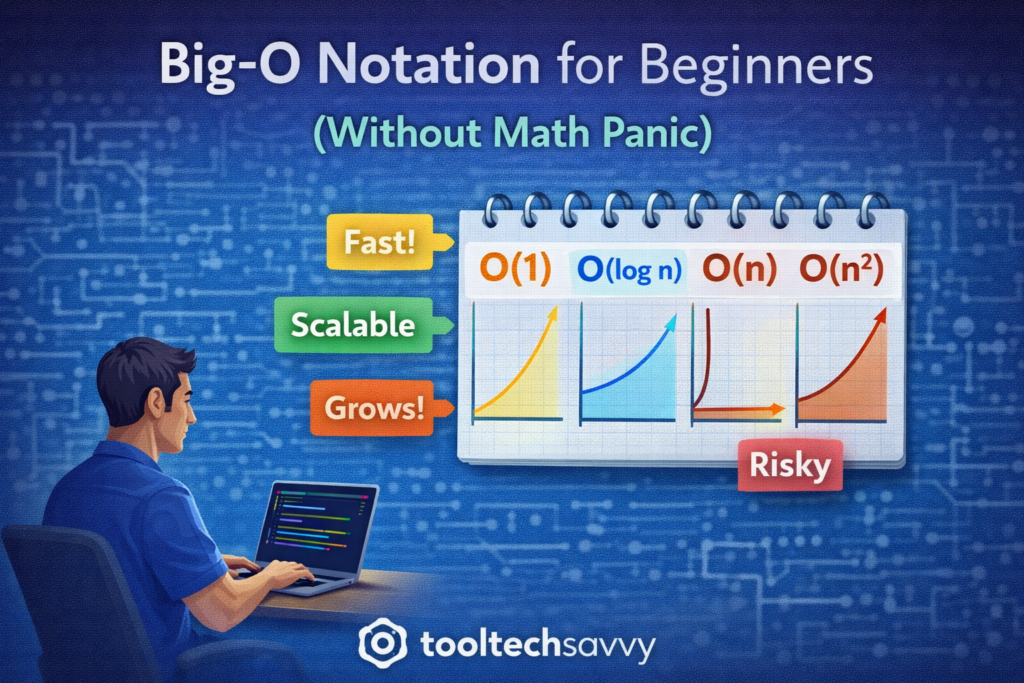
O(1) — Constant Time
The work stays the same no matter how big the data is.
Example:
- Accessing an item by index in a list
Fast and predictable.
O(n) — Linear Time
The work grows as the data grows.
Example:
- Searching through a list one item at a time
Twice the data means roughly twice the work.
O(n²) — Quadratic Time
The work grows very quickly as data increases.
Example:
- Comparing every item with every other item
Fine for small data, risky for large data.
O(log n) — Logarithmic Time
The work grows slowly even as data gets large.
Example:
- Searching a sorted list by cutting it in half each time
Very efficient and scalable.
Big-O Is About Trends, Not Exact Numbers
Big-O ignores:
- Hardware speed
- Programming language
- Small constant differences
It focuses only on how performance changes as input grows.
This makes it useful for reasoning about systems at scale.
Do Beginners Really Need Big-O?
Yes — but only at a basic level.
Beginners should:
- Recognize inefficient patterns
- Understand why some solutions scale better
- Explain trade-offs clearly
You don’t need to derive formulas or memorize proofs.
Big-O in Interviews vs Real Work
In interviews:
- Big-O helps explain your thinking
- Interviewers care about reasoning, not memorization
In real projects:
- Big-O helps prevent performance bottlenecks
- It guides design decisions early
Understanding Big-O makes you a more thoughtful engineer.
How Big-O Connects to Algorithms and Data Structures
Big-O is the language used to describe algorithms.
- Algorithms define steps
- Data structures organize data
- Big-O explains efficiency
Together, they form the foundation of computer science and scalable software.
How to Learn Big-O Without Stress
A beginner-friendly approach:
- Focus on patterns, not formulas
- Use visual examples
- Compare simple cases
- Practice explaining concepts in words
Clarity beats complexity.
Final Thoughts
Big-O notation is not about math panic — it’s about thinking clearly about performance. Once beginners understand growth trends, algorithms and system design become much easier to reason about.
You don’t need to master Big-O overnight. Just understanding the basics puts you ahead of many developers.
To continue learning — from computer science fundamentals to advanced topics like AI — visit https://tooltechsavvy.com/.
Explore the blog to discover AI, software engineering, cloud, DevOps, tools, and other interesting topics designed to help you grow confidently in tech.